Links
- Links are created using the element.
- The element uses the href attribute to indicate the page you are linking to.
- If you are linking to a page within your own site, it is best to use relative links rather than qualified URLs.
- You can create links to open email programs with an email address in the “to” field.
- You can use the id attribute to target elements within a page that can be linked to.
Writing links
Links are created using the <a> element. Users can click on anything
between the opening <a> tag and the closing </a> tag. You specify
which page you want to link to using the href attribute.

Email links :
Example :

Layouts
Building Blocks
CSS treats each HTML element as if it is in its own box. This box will either be a block-level box or an inline box. Block-level boxes start on a new line and act as the main building blocks of any layout, while inline boxes flow between surrounding text. You can control how much space each box takes up by setting the width of the boxes (and sometimes the height, too). To separate boxes, you can use borders, margins, padding, and background colors.
Block-level elements start on a new line Examples include: ` <h1> <p> <ul> <li> `
Inline elements flow in between surrounding text
Examples include: ` `
Containing Elements
If one block-level element sits inside another block-level element then the outer box is known as the containing or parent element.
Controll ing the Position of Elements
- Normal flow :(position:static)
- Relative Positioning : (position:relative)
- Absolute Positioning : (position:absolute)
- Fixed Positioning :(position:fixed)
- overlapping elements : (z-index)
- Floating Elements : float
- Clearing Floats :clear
Screen Sizes
Different visitors to your site will have different sized screens that show different amounts of information, so your design needs to be able to work on a range of different sized screens.
Screen Resolution
Resolution refers to the number of dots a screen shows per inch. Some devices have a higher resolution than desktop computers and most operating systems allow users to adjust the resolution of their screens.
Page Sizes
Because screen sizes and display resolutions vary so much, web designers often try to create pages of around 960-1000 pixels wide (since most users will be able to see designs this wide on their screens).
6 Reasons for Pair Programming
Iterative loops. Code reviews. Fast feedback. Error checking and linting. These are software engineering practices that have proven to dramatically improve the quality of code developers produce. What if you can could get all of this, instantaneously, while typing code line by line and character by character? You can, with pair programming, a technique common to many agile work environments.
More “two heads are better than one” than “stop reading over my shoulder,” pair programming is the practice of two developers sharing a single workstation to interactively tackle a coding task together. At Code Fellows, pair programing is one way we foster a collaborative environment while developing key industry skills.
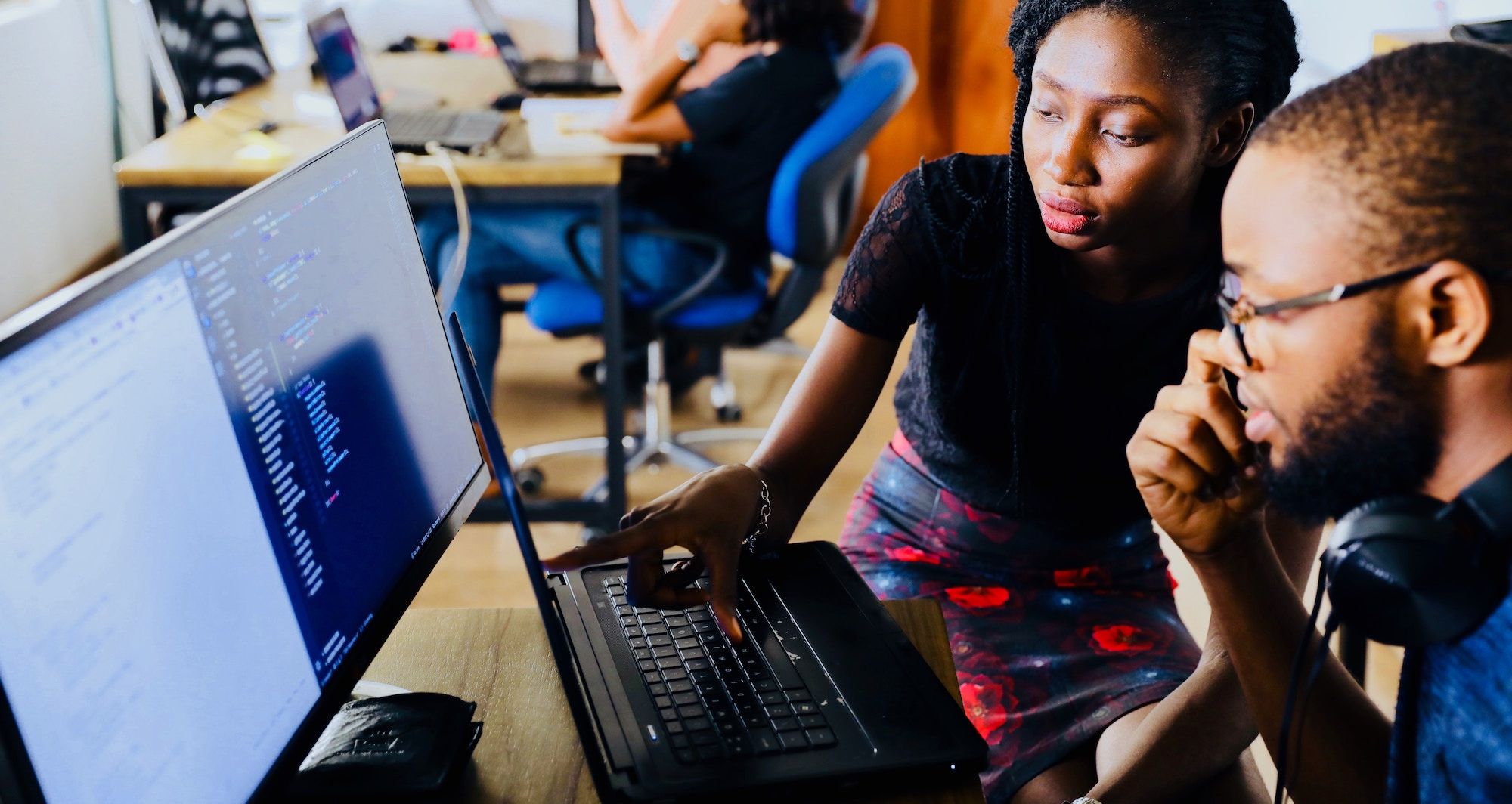
Reason
- Greater efficiency
It is a common misconception that pair programming takes a lot longer and is less efficient. In reality, when two people focus on the same code base, it is easier to catch mistakes in the making.
-
Engaged collaboration When two programmers focus on the same code, the experience is more engaging and both programmers are more focused than if they were working alone. It is harder to procrastinate or get off track when someone else is relying on you to complete the work. Popping open your Facebook timeline is just that less enticing when someone else is looking at your screen.
-
Learning from fellow students Everyone has a different approach to problem solving; working with a teammate can expose developers to techniques they otherwise would not have thought of. If one developer has a unique approach to a specific problem, pair programming exposes the other developer to a new solution.
-
Social skills Pair programming is great for improving social skills. When working with someone who has a different coding style, communication is key. This can become more difficult when two programmers have different personalities. Pair programming not only improves programming skills, but can also help programmers develop their interpersonal skills. When just grabbing the keyboard and taking over isn’t an option, getting good at finding the right words is a skill unto itself.
-
Job interview readiness A common step in many interview processes involves pair programming between a current employee and an applicant, either in person or through a shared screen. They will carry out exercises together, such as code challenges, building a project or feature, or debugging an existing code base. By doing so, companies can get a better feel for how an applicant will fit into the team and their collaboration style.
-
Work environment readiness Many companies that utilize pair programing expect to train fresh hires from CS-degree programs on how they operate to actually deliver a product. Code Fellows graduates who are already familiar with how pairing works can hit the ground running at a new job, with one less hurdle to overcome.