What is the Form?
-
Traditionally, the term ‘form’ has referred to a printed document that contains spaces for you to fill in information.HTML borrows the concept of a form to refer to different elements that allow you to collect information from visitors to your site. In addition to enabling users to search, forms also allow users to perform other functions online. You will see forms when registering as a member of a website, when shopping online, and when signing up for newsletters or mailing lists.
-
To collect information from visitors to your site, There is something called Form Control, which control the way that you collect data form visitors.
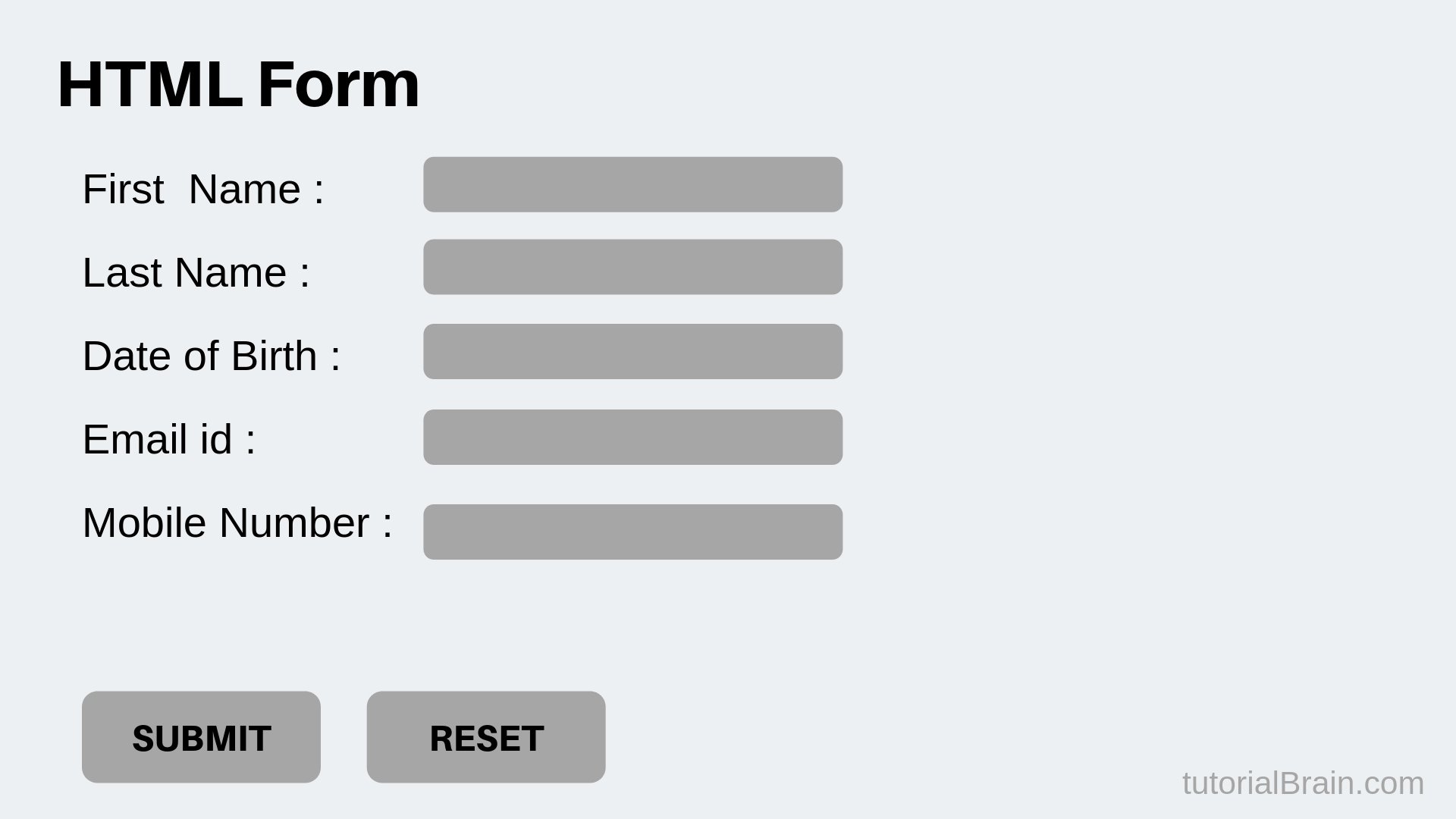
Form Controls
There are several types of form controls that you can use to collect information from visitors to your site 1.ADDING TEXT:
- Text input (single-line)
- Password input
- Text area (multi-line),massages and comments 2.Making Choices:__
- Radio buttons :For use when a user must select one of a number of options.
- Checkboxes :When a user can select and unselect one or more options. -Drop-down boxes :When a user must pick one of a number of options from a list.
3.Submitting Forms:
- Submit buttonsTo submit data from your form to another web page
- image buttonsSimilar to submit buttons but they allow you to use an image.
4.Uploading Files:
- File upload Allows users to upload files (e.g. images) to a website.
Form Structure :
Form controls live inside a <-form-> element. This element should always carry the action attribute and will usually have a method and id attribute too.
action :
Every <-form-> element requires an action attribute. Its valueis the URL for the page on the server that will receive the information in the form when it is submitted
method :
Forms can be sent using one of two methods: get or post.With the get method, the values from the form are added to the end of the URL specified in the action attribute.
Unordered HTML List
An unordered list starts with the <ul> tag. Each list item starts with the <li> tag.
Ordered HTML List
An ordered list starts with the <ol> tag. Each list item starts with the <li> tag.